
Automate Itinerary Delivery: 6 Messages for UK White Label Agents
See which six trip messages to automate, how to schedule booking triggers, and how UK white label agents can keep service updates separate from marketing.

Use an event‑triggered automation that sends itineraries, confirmations and e‑tickets as service messages by email, SMS or client portal, scheduled around booking and travel dates, while keeping promotional content in separate, consented sends. This keeps communications PECR compliant and cuts the manual admin that slows down a growing travel business. The platform supports this directly through booking confirmation automation and ready‑made templates for every trip stage.
TL;DR:
- PECR treats confirmations, itineraries, and invoices as service messages that need no prior marketing consent, provided they stay factual and necessary to the booking.
- Automate confirmations and practical prearrival details first; they prevent routine inquiries, while email carries full itineraries and SMS handles urgent changes.
- If a confirmation email bounces, send a portal link by SMS within an hour instead of waiting for the traveler to notice.
- Send promotions separately, with consent or a soft opt in for existing customers offered similar products who could opt out when their details were collected.
- Track delivery success, changes in pretrip inquiry volume, and average resolution time weekly to see whether automation reduces work or shifts problems.
Table of Contents
- What to automate first: the messages and channels that matter
- Step‑by‑step setup checklist: data capture, triggers, templates and scheduling
- Compliance essentials: PECR, consent and how to avoid turning service messages into marketing
- Testing, monitoring and recovery: checks to make automation reliable
- Practical templates and content rules for compliant service messages
- Sam’s perspective: automation as a scalable business tool for white‑label agents
- TimesHunters: a turnkey way to implement itinerary delivery automation
- FAQ
- Sources
What to automate first: the messages and channels that matter
Not every client communication deserves the same priority. Start with the messages that cause the most support tickets when they go missing or arrive late.
- Booking confirmation: the first thing a traveller checks after paying.
- Full itinerary: flights, accommodation, transfers and activities in one document.
- E‑tickets and vouchers: attached or linked, never buried in a long email thread.
- Payment receipt: confirms the transaction and protects both sides if a dispute arises.
- Pre‑arrival information: check‑in times, visa reminders, local contacts.
- Emergency contacts: a single line with a phone number saves a frantic client a search.
Email works as the default channel because it carries attachments and keeps a permanent record. SMS earns its place for anything urgent, a gate change or a last‑minute hotel substitution. A client portal or downloadable PDF suits travellers who want the full itinerary in one place rather than scattered across messages.
A simple rule covers most new agents: automate confirmations and practical pre‑arrival information first. These two message types generate the bulk of avoidable enquiries, and getting them right removes a large share of manual back‑and‑forth before a trip even starts.
Step‑by‑step setup checklist: data capture, triggers, templates and scheduling
Building the automation itself follows a fairly predictable sequence, whether you’re setting it up inside TimesHunters or another booking confirmation automation system.
- Capture only what you need: name, contact details, preferred channel, time zone and travel dates. Record consent status alongside the booking so marketing eligibility is clear later.
- Define your triggers: booking made, payment confirmed, a set number of days before check‑in, check‑out, and missed or failed payment.
- Build templates with placeholders: booking reference, traveller name, dates and attachments should populate automatically rather than being typed each time.
- Keep service message content factual: no offers, no “book your next trip” lines mixed into a confirmation.
- Set scheduling windows: send pre‑arrival messages in the recipient’s local morning, not at 3am their time, and build in retries for failed sends.
- Connect your channels: a verified sending domain for email, an SMS provider for urgent alerts, and a secure portal or PDF generator for full documents.
Platform documentation on event‑driven messaging, sometimes called Auto Letters, shows this pattern clearly: letters are tied to specific booking events and scheduled before or after them, with SMS and email configured separately so timing suits each channel. That structure maps directly onto a travel itinerary workflow: booking made triggers a confirmation, X days before check‑in triggers the practical information email, and check‑out can trigger a short post‑trip message.
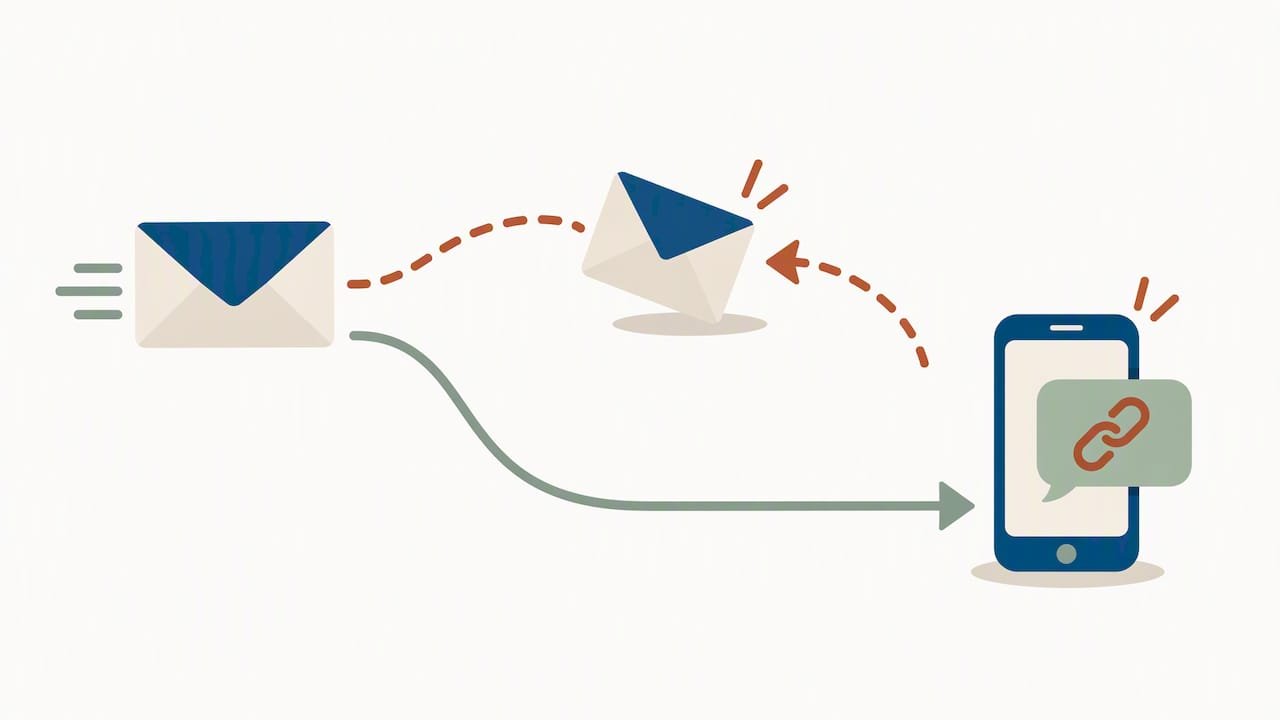
Pro Tip: Build a dual‑channel fallback into every critical trigger: if the confirmation email bounces, fire an SMS with a short portal link within the hour rather than waiting for a client to notice something’s missing.
Compliance essentials: PECR, consent and how to avoid turning service messages into marketing
The good news for anyone automating itineraries is that most of what you need to send isn’t marketing at all. ICO guidance treats itineraries, booking confirmations and invoices as administrative service messages, which means they can go out without prior marketing consent, provided they stay factual and necessary for delivering the booking.
Marketing messages sit under different rules. They need consent, or they need to qualify for the soft opt‑in, which applies only to existing customers being offered similar products and who were given a chance to opt out when their details were collected. Sole traders and many partnerships count as individuals under PECR, so the same consent rules apply to them as to any consumer.
A few practical guardrails keep the two worlds apart:
- Never add promotional language, offers or upsells inside a confirmation or itinerary email.
- Route any marketing content through a separate send that includes an opt‑out and clear sender identity.
- Keep consent records attached to each booking so your system knows who can receive marketing.
- Maintain a “do not contact” list and screen every marketing send against it.
The ICO’s guidance on identifying direct marketing makes the point that purpose and content, not just the sender’s intent, determine whether a message counts as marketing. A single promotional line inside an otherwise factual confirmation is often enough to reclassify the whole message, so the safest approach is to keep service messages completely neutral and save selling for its own channel.
Testing, monitoring and recovery: checks to make automation reliable
An automation that works once in testing can still fail quietly in production, so build in checks before you rely on it for real clients.
- Test delivery across major mailbox providers and SMS carriers before launch, not after the first complaint.
- Validate that attachments open correctly and portal links resolve on mobile as well as desktop.
- Monitor delivery rates, bounce reports, open rates and portal download activity, with alerts when any metric drops below a set threshold.
- Build automated retries and an alternate‑channel fallback, with manual escalation for anything tied to a critical booking failure.
Three figures are worth tracking weekly: delivery success rate, the change in pre‑trip enquiry volume, and mean time to resolution when something does go wrong. Together they tell you whether the automation is actually reducing admin or just moving the problem.
Practical templates and content rules for compliant service messages
A good itinerary template includes the booking reference, traveller name, a clear trip summary, assistance or emergency contact details, and either an attachment or a portal link to the group accommodation booking workflow to the full document. Everything in a service message should read as neutral and factual: any promotional line, even a friendly “don’t forget to book your next trip”, belongs in a separate marketing send rather than mixed into the confirmation.
For attachments, a single clearly named PDF beats several smaller files, and a portal download option gives travellers a backup if the attachment gets lost in their inbox.
- Immediate booking confirmation: sent the moment payment clears.
- Pre‑arrival information: sent 7 days and again 3 days before travel.
- Check‑in reminder: sent 24 hours before arrival.
- Post‑trip message: sent a day or two after return, kept strictly factual if it includes any request for feedback.
TimesHunters’ travel agent email templates cover each of these stages, which removes the blank‑page problem for anyone setting this up for the first time.
Pro Tip: Name your attachment files consistently, “Surname_TripDates_Itinerary.pdf” works better for client inboxes than a generic “itinerary_final.pdf” that gets lost among ten others.
Sam’s perspective: automation as a scalable business tool for white‑label agents
Automation isn’t a back‑office nicety, it’s what lets a one‑person agency behave like a bigger one. Every confirmation and itinerary sent automatically is time back for selling, and consistent, error‑free messages build the kind of trust that turns a single booking into a repeat client. Partners report meaningful jumps in per‑booking income once they stop treating admin as a manual task. Configure the delivery workflow before you scale marketing or add new product lines, because a messy confirmation process will undercut every other improvement you make.
— Sam
TimesHunters: a turnkey way to implement itinerary delivery automation
Setting up event triggers, templates and delivery channels from scratch takes real time, which is exactly why we built booking confirmation automation and a full template library into the platform itself. Users get access to the infrastructure without needing to build it themselves.
- Automated booking confirmations tied directly to each reservation, so there’s no manual sending step.
- Ready‑made email templates for every trip stage, from first confirmation to post‑trip follow‑up.
- Managed payments and onboarding support that reduce the handling time around each booking.
- A 30% commission split structure that rewards the volume automation frees you up to handle.
If you’re ready to see how the setup works in practice, our white‑label travel agency page walks through the model, and the booking confirmation automation page shows exactly how the delivery workflow runs from booking to check‑out.
FAQ
Can I send a booking confirmation without marketing consent?
Yes. PECR guidance treats booking confirmations, itineraries and invoices as administrative service messages rather than direct marketing, so they don’t require prior marketing consent as long as they stay factual.
What turns a service message into marketing under PECR?
Adding promotional language, offers or upsells to an otherwise factual message can reclassify it as direct marketing under ICO rules. Keeping confirmations and itineraries strictly factual, and moving any promotional content to a separate, consented send, avoids the issue.
Do sole traders get the same consent protections as individuals?
Yes, sole traders and many partnerships are treated as individuals under PECR, so the same marketing consent and soft opt‑in rules apply to them as to any consumer.
Which channel should carry the full itinerary?
Email or a client portal works best for the full itinerary because both support attachments and give the traveller a permanent copy. SMS suits short, urgent updates, such as a gate or hotel change, rather than the full document.
How do I handle an itinerary change or cancellation in an automated workflow?
Trigger an updated itinerary message as soon as the change is confirmed in the booking system, rather than waiting for the next scheduled send. TimesHunters’ booking confirmation automation can trigger this update directly from the booking event, keeping the client’s document current without manual intervention.
Sources
- Marketing and data protection in detail | ICO
- Auto Letters – MyPMS Documentation – BookingCenter Documentation